Setting a store as your favourite will allow you to see relevant information pertaining to the store selected as you browse!
1. To select or change your favourite store location, select the text above the 3 icons located at the top of your webpage.
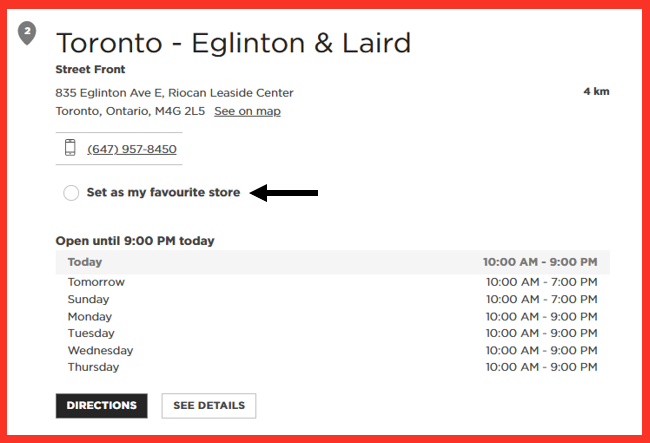
5. Select Set as my favourite store.
Sign up for email alerts: Exclusive Emails Sign-up | Kitchen Stuff Plus
Check out our website and socials!
2. This will open to the current selected store location.
3. Select Find Another Store to open the full menu to select a new favourite store location.
4. This will bring you to the Store Locator page where a new store can be selected.